
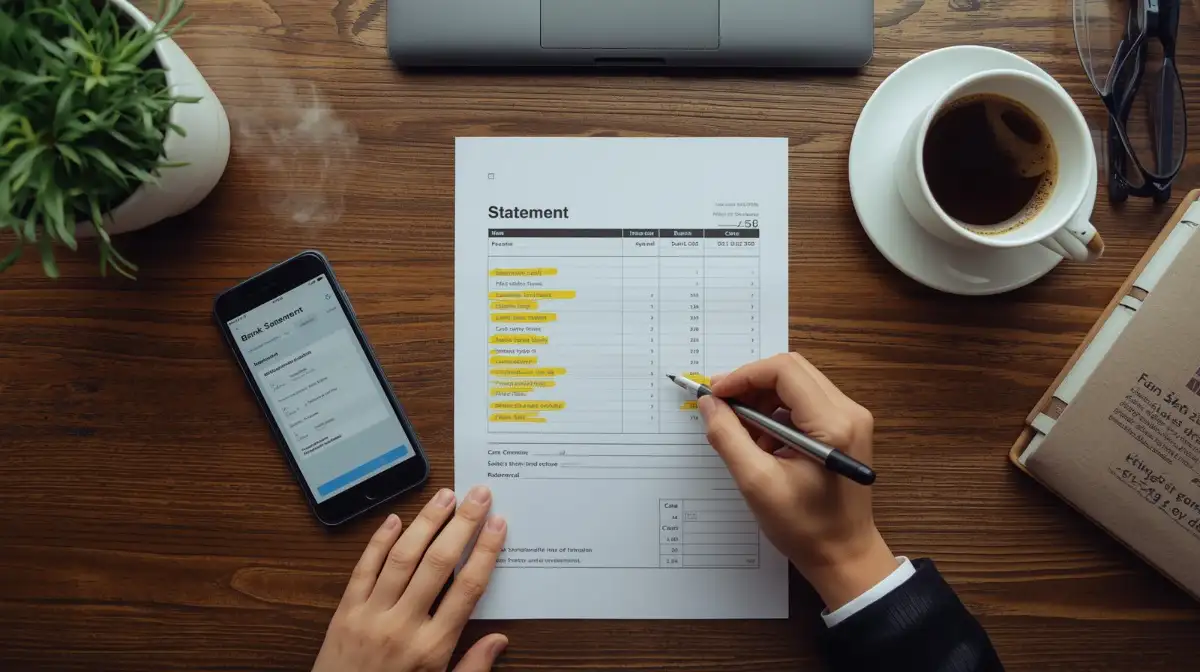
Let’s be honest. When was the last time you actually opened that PDF bank statement sent to your email? Most of us just glance at our banking app, see a positive number, and think, “Okay, I’m good.”
But trusting the app blindly is risky. Apps show you what the bank thinks happened. They don’t show you the mistake the restaurant made when they double-charged you, the “free trial” that quietly started charging you ₹999 a month, or the check you wrote three weeks ago that hasn’t been cashed yet.
Reconciliation is just a fancy accounting word for “checking your work.” It’s playing financial detective. It’s the process of comparing your own records (receipts, mental notes, spreadsheet) against the bank’s records to make sure they match perfectly.
In this guide, we’re going to ditch the accountant jargon and show you exactly how to reconcile your account in 15 minutes a month. This simple habit is the fastest way to catch fraud, stop money leaks, and sleep better at night.
I. Why Bother? (The “I Have an App” Argument)
You might be thinking, “My app updates in real-time. Why do I need to reconcile?” Here is why the app isn’t enough:
A. Catching the “Test” Fraud
Before a hacker drains your account, they often run a small “test” charge of ₹10 or ₹50 to see if you notice. If you aren’t reconciling, you’ll miss these tiny red flags until it’s too late.
B. The “Zombie” Subscriptions
We all sign up for free trials. Sometimes, we forget to cancel. A monthly reconciliation forces you to look at every single line item. You will spot that Netflix subscription you meant to cancel or that gym membership you haven’t used in a year.
C. Bank Errors (Yes, They Happen)
Banks are reliable, but they aren’t perfect. A deposit might be entered as ₹1,000 instead of ₹10,000. A double-swipe at a coffee shop might go through twice. If you don’t check, the bank keeps the money.
II. The Setup: What You Need
You don’t need expensive software. You just need three things:
- The Bank Statement: Download the PDF for the last completed month (e.g., September 1st to September 30th). Do not use the “live” view; use the fixed statement.
- Your Records: This could be your own spreadsheet, your collection of receipts, or just your budgeting app where you track spending.
- A Highlighter: If you print it out, use a yellow marker. If you do it on a screen, use a digital highlight tool.
III. The Step-by-Step Process (The “Tick and Flick”)
Ready to balance the books? Follow these four simple steps.
Step 1: Match the Opening Balance
Look at the “Starting Balance” on your bank statement. Does it match the “Ending Balance” from your previous month’s reconciliation? If these numbers don’t match, you have a problem from last month that needs fixing first.
Step 2: The “Tick and Flick” (Money Out)
Go through every withdrawal listed on the bank statement.
- Did you buy coffee for ₹250 on the 4th? Yes? Tick it off.
- Did you pay rent on the 5th? Yes? Tick it off.
- The Goal: You are verifying that every penny leaving the bank was authorized by you.
Step 3: Check the Deposits (Money In)
Now do the same for income. Did your salary hit on the right day? Did that refund from Amazon actually show up? Tick them off.
Step 4: Identify the “Ghosts” (Uncleared Items)
This is the most important step. You might find items in your personal records that aren’t on the bank statement yet.
- Example: You wrote a check to your landlord on the 28th, but he hasn’t gone to the bank yet.
- Action: Do not delete this! This is an “Uncleared Transaction.” You must subtract this amount from your Bank Statement balance to see your true balance.
IV. Troubleshooting: When the Numbers Don’t Match
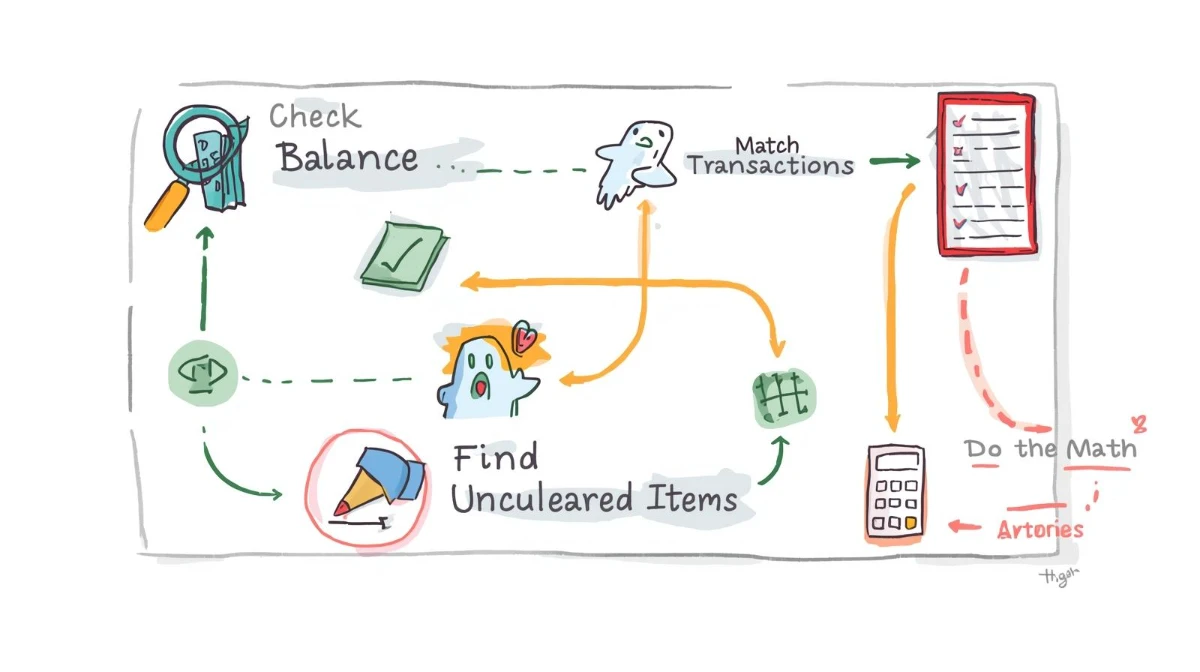
You did the work, but your records say you have ₹10,500 and the bank says ₹10,450. You are off by ₹50. Don’t panic. Here is where the mismatch usually hides:
A. The Transposition Error (The Dyslexia Trap)
Did you spend ₹540 but write down ₹450? Transposing numbers is the most common human error.
- The Trick: If the difference is divisible by 9 (e.g., 54 – 45 = 9), it is almost always a transposition error. Check your digits.
B. The Forgotten Fees
Did you subtract the monthly maintenance fee? The ATM fee? The overdraft interest? These appear on the statement but rarely in our personal notes. Add them to your records.
C. The Duplicate Entry
Did you accidentally record that grocery trip twice in your budgeting app?
Conclusion
Reconciling your bank statement isn’t about being a math genius; it’s about taking ownership. The first time you do it, it might take 20 minutes. The second time, it will take ten. But the feeling of looking at that final number and knowing—with 100% certainty—that every rupee is exactly where it should be? That is the feeling of true financial peace. So, download that PDF, grab your highlighter, and start playing detective.
❓ Frequently Asked Questions (FAQ)
Q1. How often should I reconcile my account?
A. Once a month is the gold standard. Wait for your monthly statement to close (usually at the end of the month) and do it then. If you run a business with high transaction volume, you might want to do it weekly to prevent a backlog.
Q2. Can I just use software like Quicken or YNAB to do this?
A. Yes! Tools like YNAB (You Need A Budget) make this incredibly easy. They import transactions from your bank, and you just have to click “Approve” (match) them. However, even with software, you should still compare the final “Cleared Balance” in the software with the “Ending Balance” on your PDF statement once a month.
Q3. What if I find a transaction I didn’t make?
A. This is exactly why we reconcile!
Circle it.
Call your bank immediately. Tell them you have identified an unauthorized transaction.
Freeze the card. If it looks like fraud, ask them to block your debit card and issue a new one. The sooner you catch it, the easier it is to get your money back.
Q4. My balance is off by a tiny amount (like ₹5). Can I just ignore it?
A. Financially, ₹5 won’t ruin you. But practically, no, don’t ignore it. A ₹5 discrepancy might be a small math error, or it might be a “test charge” from a scammer preparing to steal thousands. Always find the source of the error. If it’s just a math mistake, you can make a “Balance Adjustment” entry, but verify the source first.