The “Transaction Failed” Shock
You find an old passbook in your drawer from a job you left three years ago. You realize, “Hey, there is ₹10,000 in this account!” Excited, you rush to the ATM or try to transfer the money via UPI.
Error: Transaction Not Permitted. Account Inoperative.
Panic sets in. Did the bank seize your money? Is it gone forever?
Relax. Your money is 100% safe. The bank has simply put a “lock” on your account to protect it. In banking terms, your account has gone into a “coma.”
But here is the confusion: specific banking rules separate these comas into two stages: Inactive/Dormant and Inoperative. Knowing the difference tells you exactly how hard it will be to unlock it.
In this guide, we will decode the RBI guidelines, explain why banks freeze “sleeping” accounts, and give you the step-by-step re-KYC process to get your money back.
I. Stage 1: The “Inactive” or “Dormant” Account
This is the first warning stage. It usually happens when you stop using the account for 12 months (1 Year).
Why it happens?
If you haven’t done any “Customer Induced Transaction” (Debit, Credit, Cheque, UPI) for a year, the bank’s system flags it.
What changes?
- Restrictions: You might not be able to request a new Cheque Book or Debit Card. ATM withdrawals might be restricted.
- The Fix: This is easy. Usually, doing one transaction (like depositing ₹100 cash at the branch or sometimes even a digital transfer) automatically reactivates the account.
II. Stage 2: The “Inoperative” Account (The Deep Freeze)
This is the serious stage. According to RBI guidelines, an account becomes Inoperative if there have been no customer-induced transactions for over 2 years (24 months).
Why does RBI mandate this?
It’s not to annoy you. It is to prevent Fraud.
Inactive accounts are prime targets for internal bank frauds. Dishonest employees know nobody is checking these accounts, so they might siphon money out. To stop this, the RBI forces banks to “Freeze” these accounts so that not a single rupee can move without strict verification.
The Consequences:
- Total Block: UPI, Net Banking, ATM, and Cheques will all stop working immediately.
- Interest Continues: The good news? Your money still earns savings interest. The bank cannot stop paying interest just because the account is frozen.
- No Charges: (New RBI Rule): Banks are NOT allowed to charge “Non-Maintenance of Minimum Balance” penalties on Inoperative accounts. If your balance is zero, it stays zero; it won’t go into negative.
III. The Reactivation Process: How to Unlock Your Money
You cannot fix an Inoperative account online. You have to prove you are alive and legitimate.
Step 1: Visit the Branch (Mandatory)
You must visit the “Home Branch” (or sometimes any CBS branch) personally. You cannot send your father or friend.
Step 2: Submit the “Re-KYC” Form
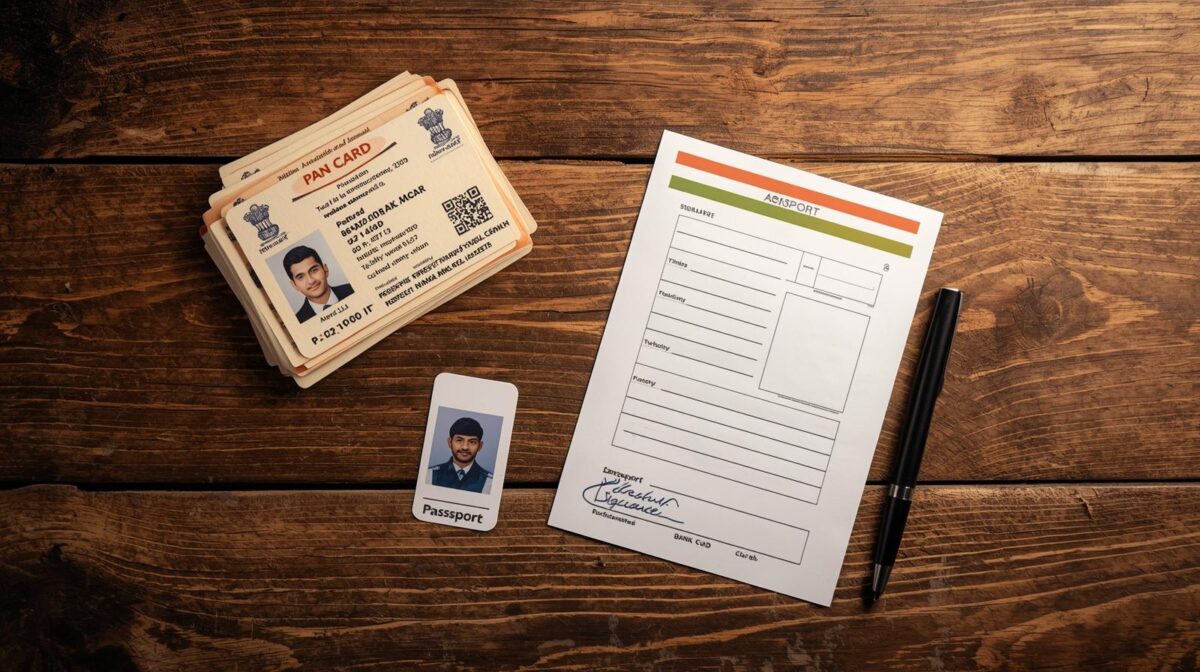
Ask for an “Account Reactivation Request” letter. You will need to submit self-attested copies of:
- PAN Card
- Aadhaar Card (Address Proof)
- Recent Passport Size Photo
Step 3: Do a Transaction
The bank officer will verify your face and documents. Once approved in the system (usually takes 24 hours), they will ask you to deposit a small amount (e.g., ₹100) to kickstart the account.
Pro Tip: If you have moved to a different city, don’t travel back just for this. Go to the nearest branch of the same bank and ask for a “Transfer of Account” application along with the reactivation. They can pull your account to your current city.
IV. How to Prevent This from Happening Again
If you have multiple bank accounts (Salary account, casual account, etc.), it’s hard to keep track.
- ** The “1 Rupee” Trick:** Set a reminder on your phone every 6 months to transfer ₹10 from your main account to your secondary accounts. Any transaction—even receiving ₹10 via UPI—counts as “Active.”
- Close Unused Accounts: If you really don’t use it, close it. Having too many open accounts increases the risk of identity theft and complicates your Income Tax Return (ITR) filing.
Conclusion: Your Money is Waiting
An “Inoperative” message is annoying, but it is a safety feature, not a penalty. The money belongs to you, and the bank is legally obligated to return it. Whether it has been 2 years or 10 years, your funds (with interest) are safe. Grab your KYC documents, visit the branch, and wake up your sleeping money today.
❓ Frequently Asked Questions (FAQ)
Q1. Can I reactivate an Inoperative account online?
A. Generally, No. Because the account is flagged for “High Risk,” banks insist on physical verification (In-Person Verification) to ensure it’s actually you. However, some modern banks might allow Video-KYC for reactivation, but this is rare for very old accounts.
Q2. What happens if the account holder has died?
A. The Nominee or Legal Heir must approach the bank. They need to submit the Death Certificate, the KYC of the nominee, and the Passbook to claim the funds. The account will then be closed, and funds transferred to the nominee.
Q3. Does the bank charge a fee to reactivate the account?
A. No. Per RBI guidelines, banks cannot charge you a fee for activating an inoperative account. If an officer asks for a charge, you can complain to the Banking Ombudsman.
Q4. What if I don’t claim the money for 10 years?
A. If an account remains inoperative for 10 years, the money is transferred to the RBI’s DEAF (Depositor Education and Awareness Fund). Don’t worry, you can still claim it back, but the process becomes much longer and requires more paperwork.